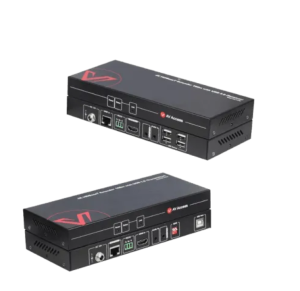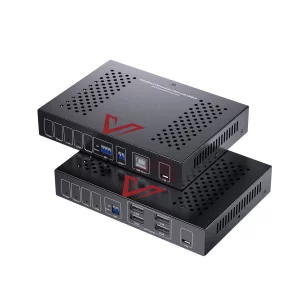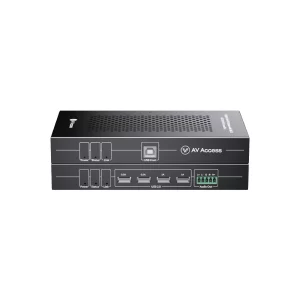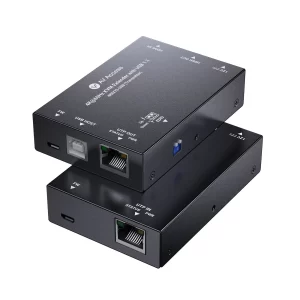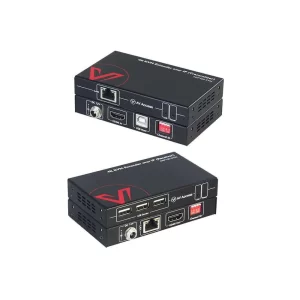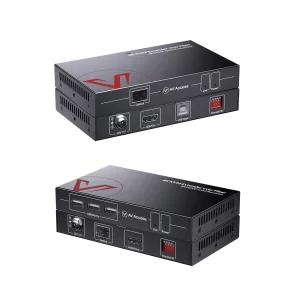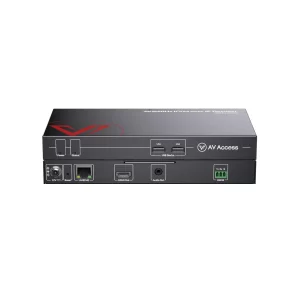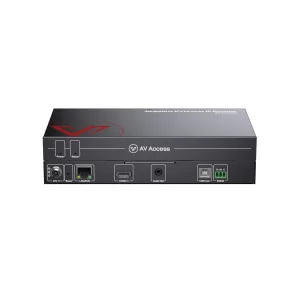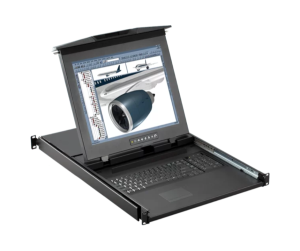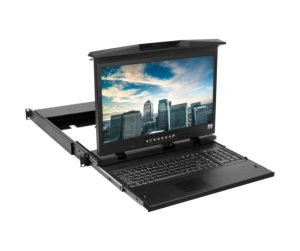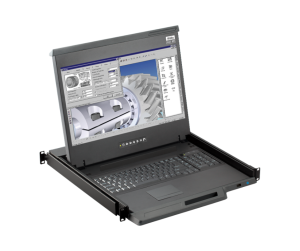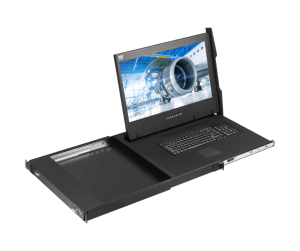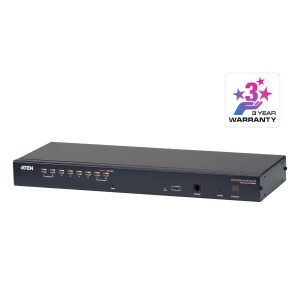
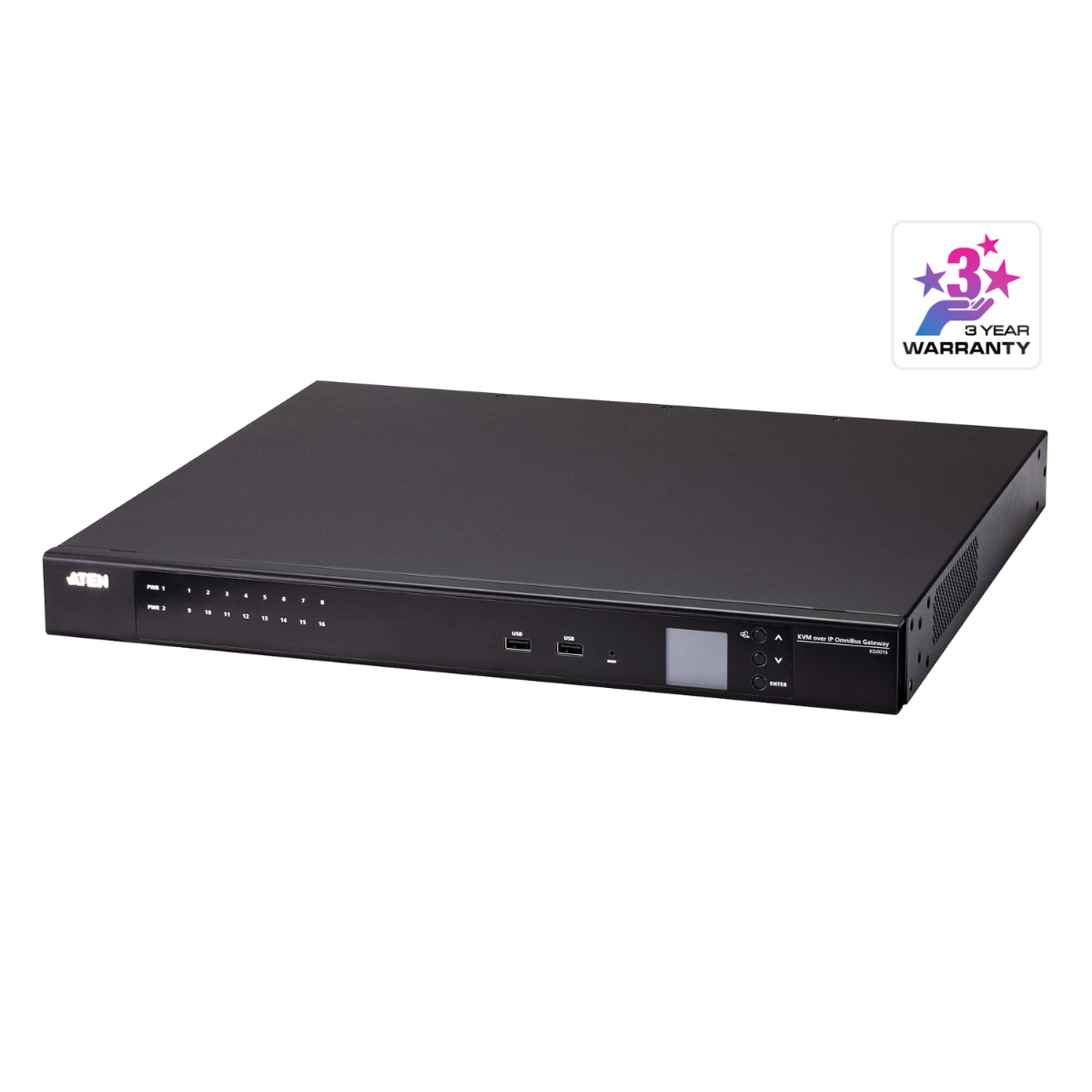
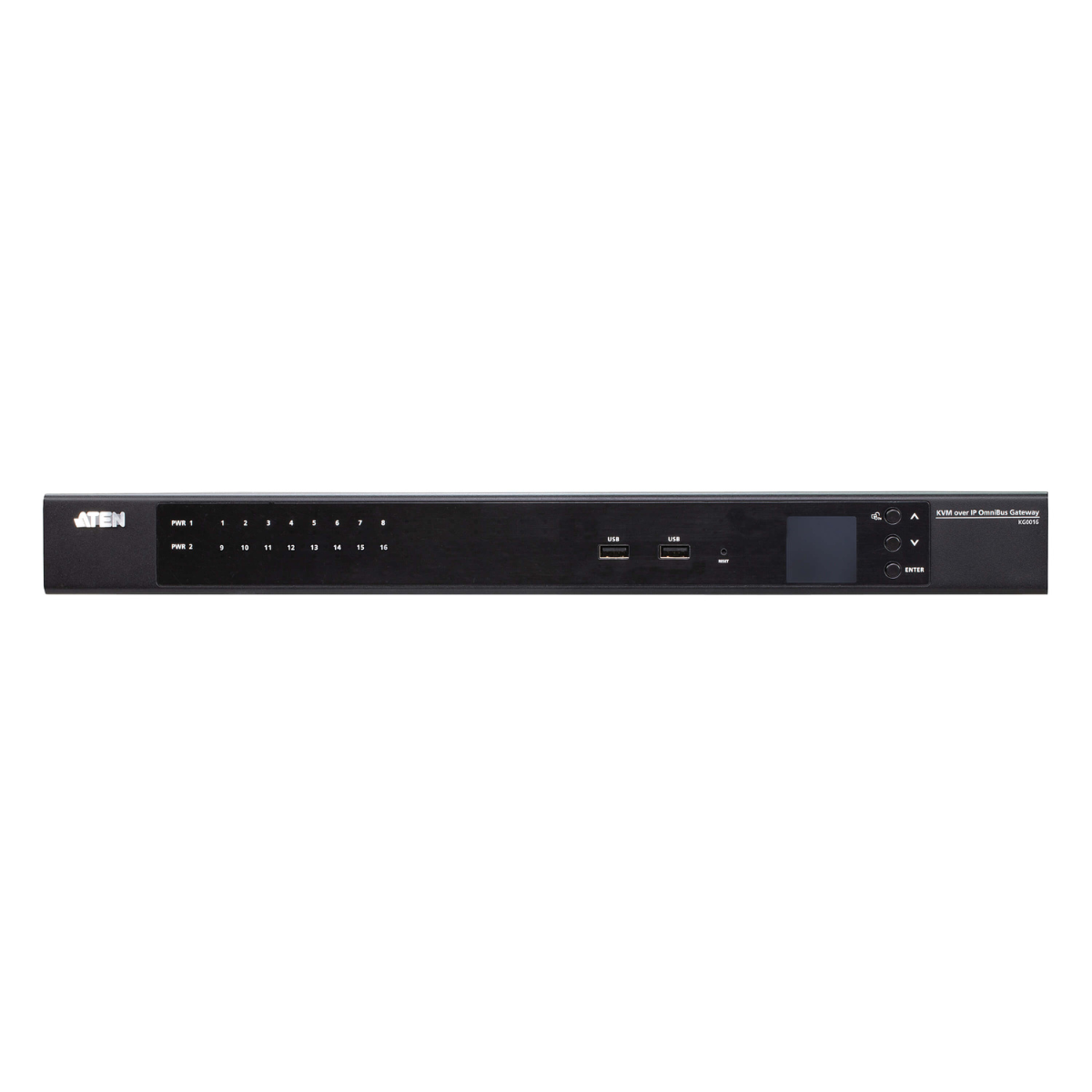
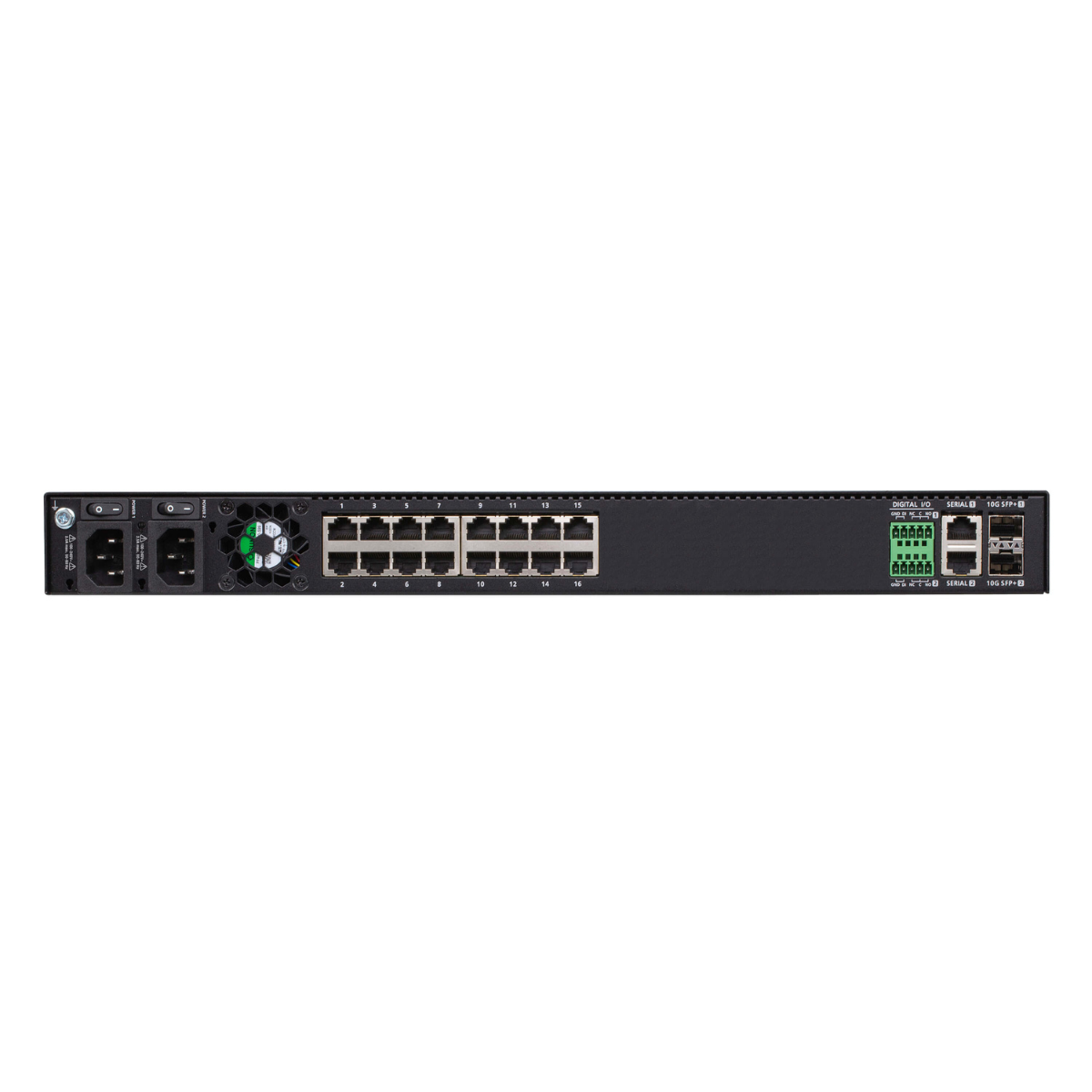
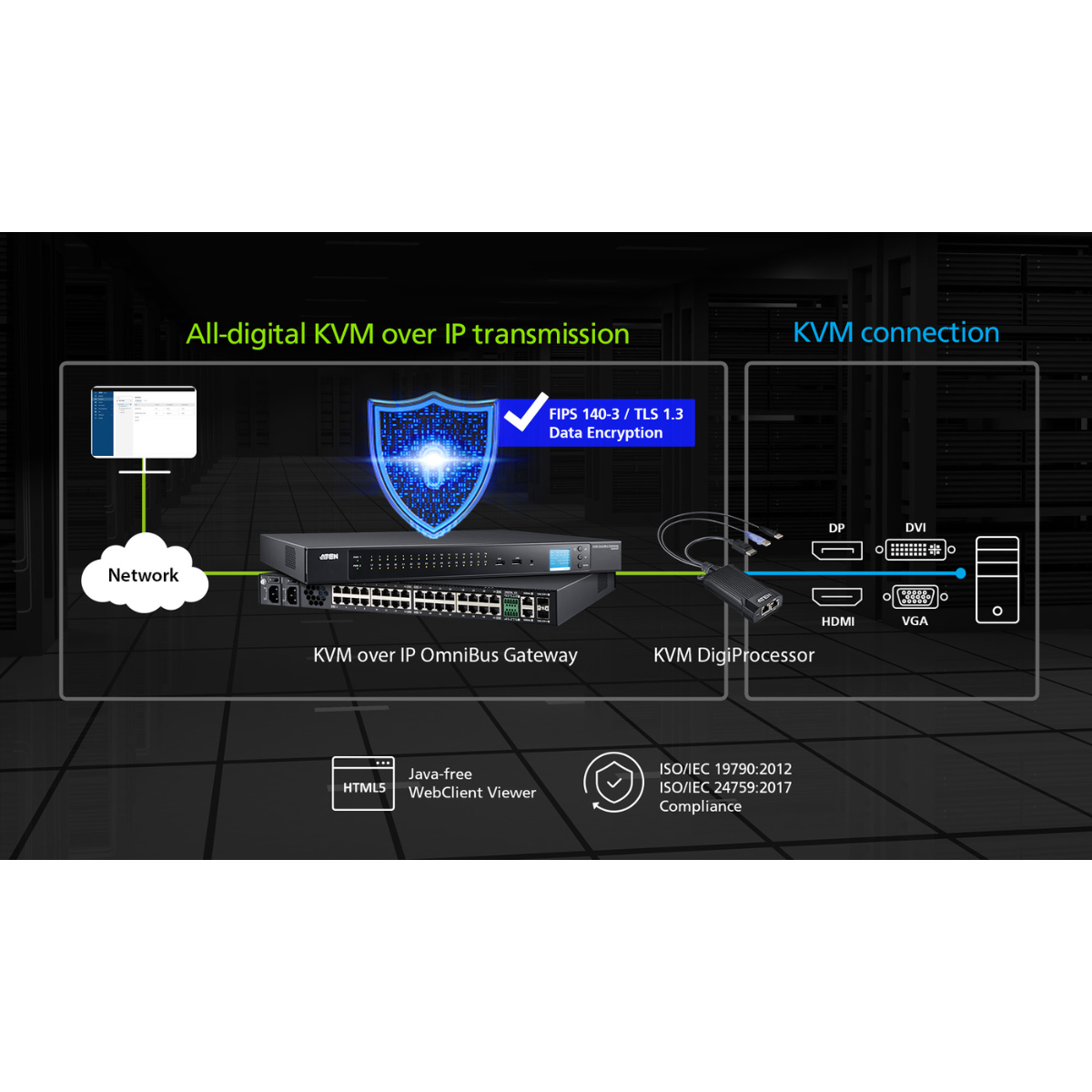

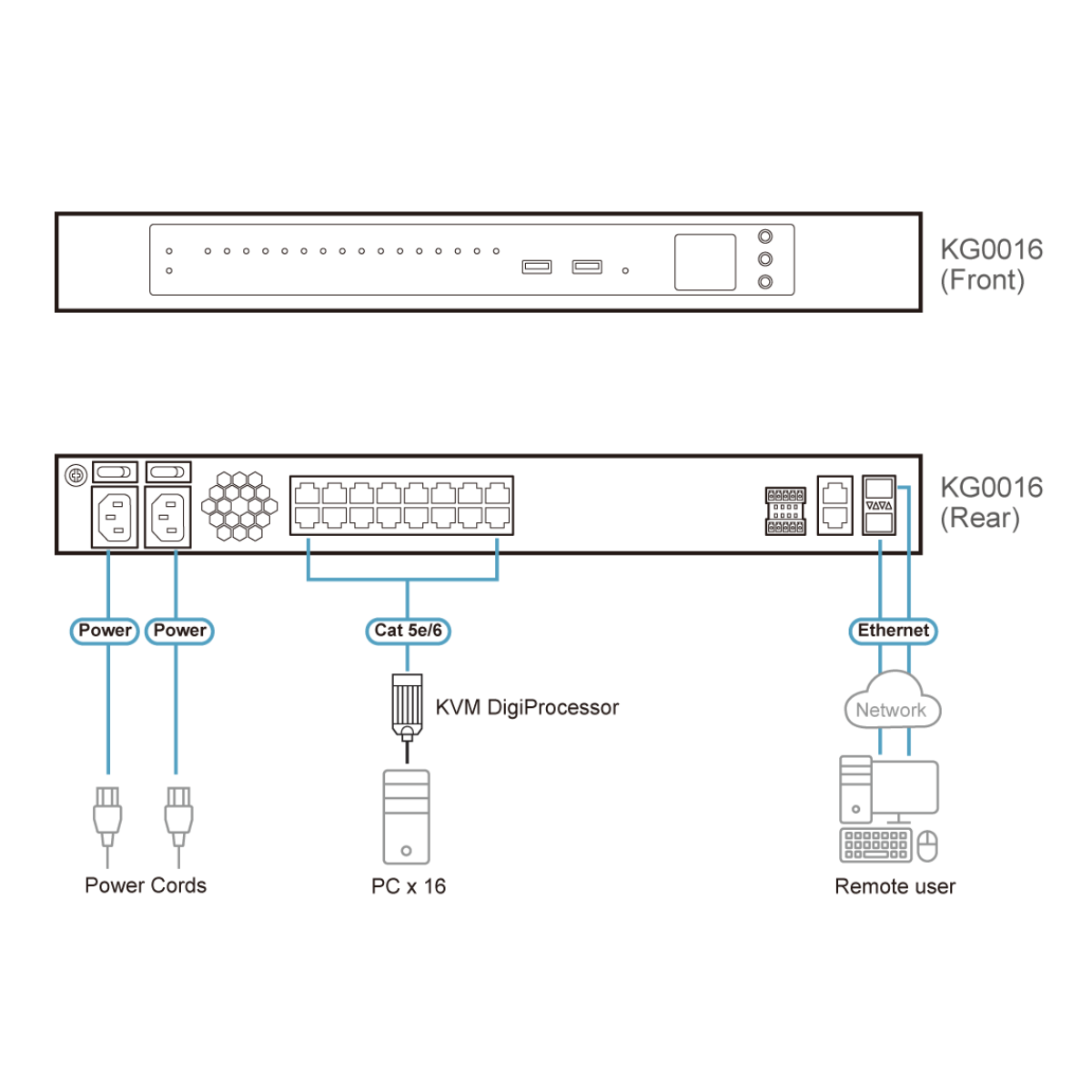

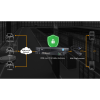
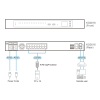
The KG0016 16-Port KVM over IP OmniBus Gateway provides remote over IP access, allowing users to access, monitor, and control up to 16 servers over a network. With KG0016 independent remote connections, it ensures higher operation efficiency and optimizes the user experience by eliminating waiting time and bus sharing. This single management platform connects servers through a single secure portal, simplifying access and control for efficient administration. With its all digital KVM over IP architecture, the KG0016 prevents video lagging and freezing, ensuring stable and smooth video display, particularly in long-distance extension application. Equipped with dual on-board 10G NICs1 for redundancy, this series is built to guarantee reliability and availability of remote access to all servers. The virtual media transmissions are faster than traditional KVM over IP switches, allowing for the completion of a 1GB file transmission in just one minute. When the KG series works with the KVM DigiProcessor series (KG8950T / KG9950T / KG1900T / KG6900T / KG8900T / KG9900T), it delivers superior video resolutions up to 3840 x 2160 @ 30 Hz (KG8950T / KG9950T) or 1920 x 1200 @ 60 Hz (KG1900T / KG6900T / KG8900T / KG9900T), for distances up to 100 meters over a single Cat 5e/6 cable.
The KG series can be remotely accessed via WinClient AP or HTML5 WebClient2 at a console from a separate location for management and operation. The WinClient AP comes with complete KVM functions and provides users with continuous, reliable connections. It can help users to simultaneously monitor the status of all connected servers on Array View and control a specific server through Control View. For basic KVM functions, users can directly access and control one of the ports through the HTML5 WebClient by simply launching a client viewer from a browser, without the need for pre-installed software. Additionally, it allows users to easily separate the client viewer from the browser and drag it to a second monitor for control while monitoring the status of all ports on the Port View from Web GUI.
This KVM over IP OmniBus Gateway allows out-of-band access to connected servers from remote consoles via the management network for BIOS-level troubleshooting when the production network is down. It enables IT administrators to manage servers via management networks that are separated from the main / production networks. If there’s difficulty in accessing the servers through the production network, administrators can still access servers via KG series. To provide stringent security, the KG series offers TLS 1.3 and an embedded FIPS 140-2 certified OpenSSL cryptographic module. Security features of the KG series include 256-bit AES encryption for secured data transmissions, as well as RADIUS, LDAP, LDAPS, and MS Active Directory for 3rd-party authentication services.
The KG series can be integrated into ATEN’s CC2000 Centralized Management Software. The CC2000 delivers a better user experience and advanced usability. By utilizing consolidated data, task-based navigation, and simplified menus, administrators can access, configure, and manage all of the IT equipments with ease.
Additional exclusive features of KG series include a Message Board, Panel Array Mode™ Live+, Mouse DynaSync™, and a front panel LCD display. ATEN KVM over IP OmniBus Gateway saves users time and money by enabling administrators to manage their servers from virtually anywhere – minimizing travel and MTTR (Mean Time to Repair) costs, ensuring the highest availability for data center services.
Note:
- Fiber or copper SFP modules are sold separately. Please find them on the compatible accessories list and order with KG devices together.
- We recommend using the WinClient app for more robust management and control. Performance and usage may vary depending on the user’s hardware configuration. A minimum of 8 GB RAM, dual core CPU, and a graphics card that supports OpenGL are required. Please also make sure that the browser used is up to date.
Package Contents
- 1x KG0016 16-Port KVM over IP OmniBus Gateway
- 1x footpad set (4 pcs)
- 1x mounting kit
- 2x control terminal blocks
- 2x power cords
- 2x Lok-U-Plugs
- 1x Lok-U-Plug installation tool
- 1x user instructions