

Reliable Remote Access for Data Centers
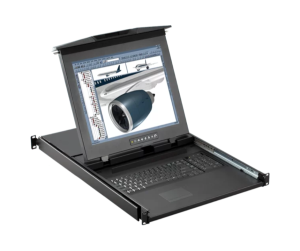
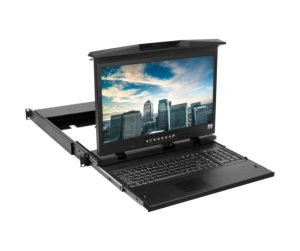
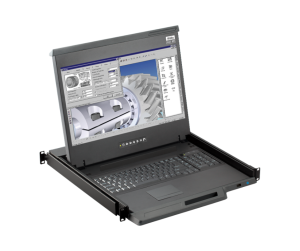
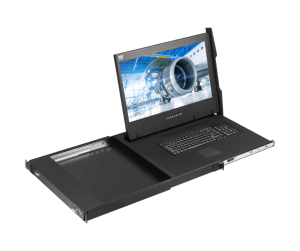
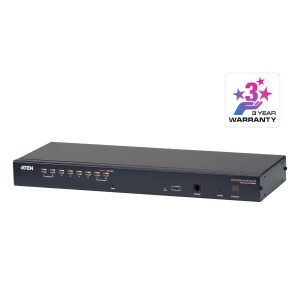
ATEN KVM Over IP KN4064VB provides secure local and remote access to your data center. You can monitor and control up to 64 servers from anywhere.
High Performance and Strong Security
The device supports Full HD resolution up to 1920 x 1200. It also uses FIPS 140-2 Level 1 security to protect sensitive data.
Flexible Remote Management
IT teams can access the system using WinClient or JavaClient. In addition, the PadClient app allows easy control directly from an iPad.
Out-of-Band Access for Maximum Reliability
The KN4064VB ensures access even when the network is down. For example, administrators can perform BIOS-level troubleshooting using an external modem.
Centralized and Easy Control
The device integrates with ATEN CC2000 software. As a result, administrators can manage all connected devices from one platform.
Wide Compatibility and Integration
This model works with ATEN KA82 Console Station for secure access without a PC. Moreover, it supports PDU systems for remote power management.
Smart Features for Better Efficiency
It includes Message Board, Panel Array Mode, and Mouse DynaSync™. Therefore, IT teams can reduce downtime and improve productivity.
System Requirements
Use WinClient or JavaClient for the best performance. The system requires at least 8GB RAM, a dual-core CPU, and a GPU with OpenGL support.
Package Contents
- 1 x KN4064VB KVM Over IP Switch
- 2 x Power Cords
- 1 x Mounting Kit
- 2 x Lok-U-Plugs
- 1 x Lok-U-Plug Installation Tool
- 1 x Foot Pad Set (4 pcs.)
- 1 x User Instructions