
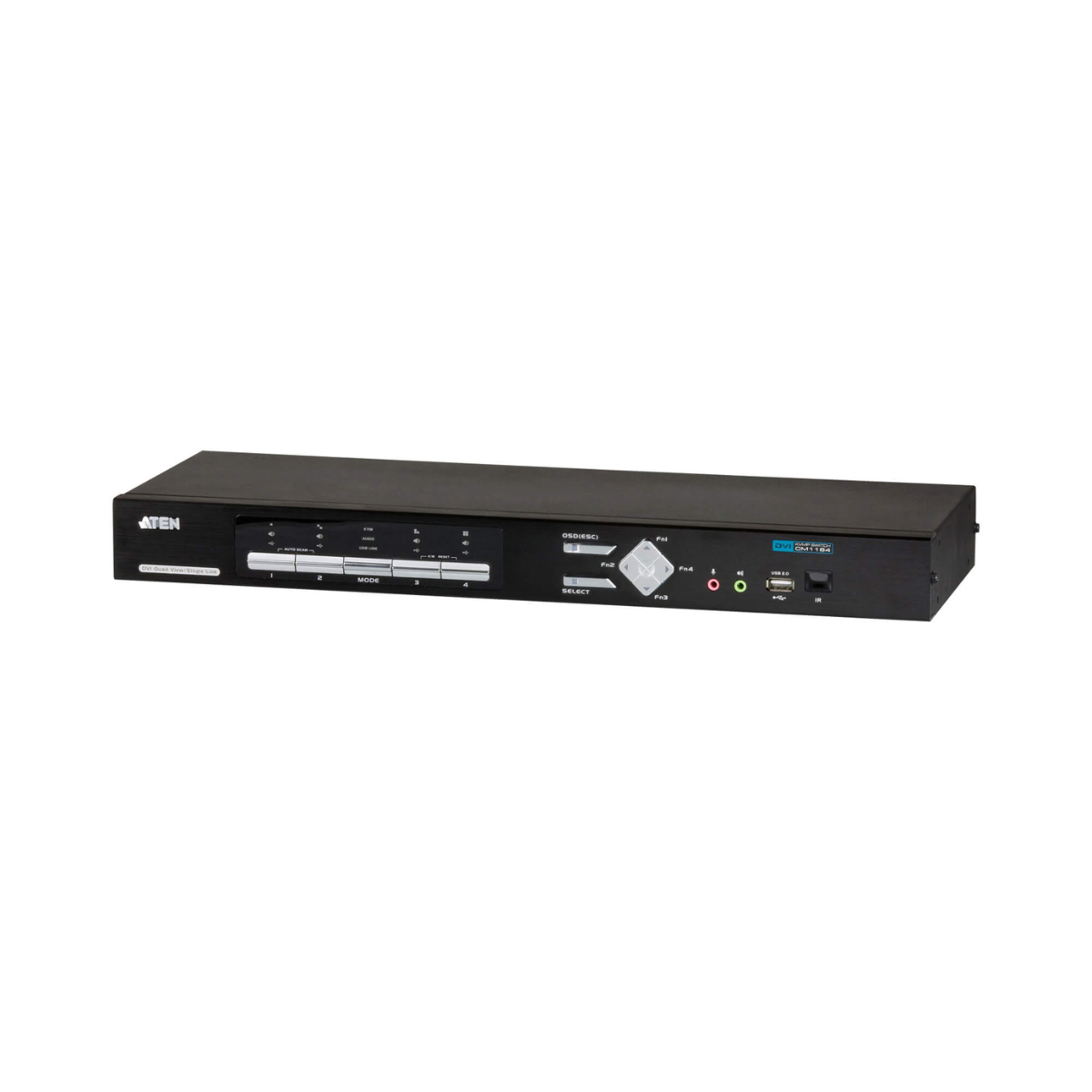
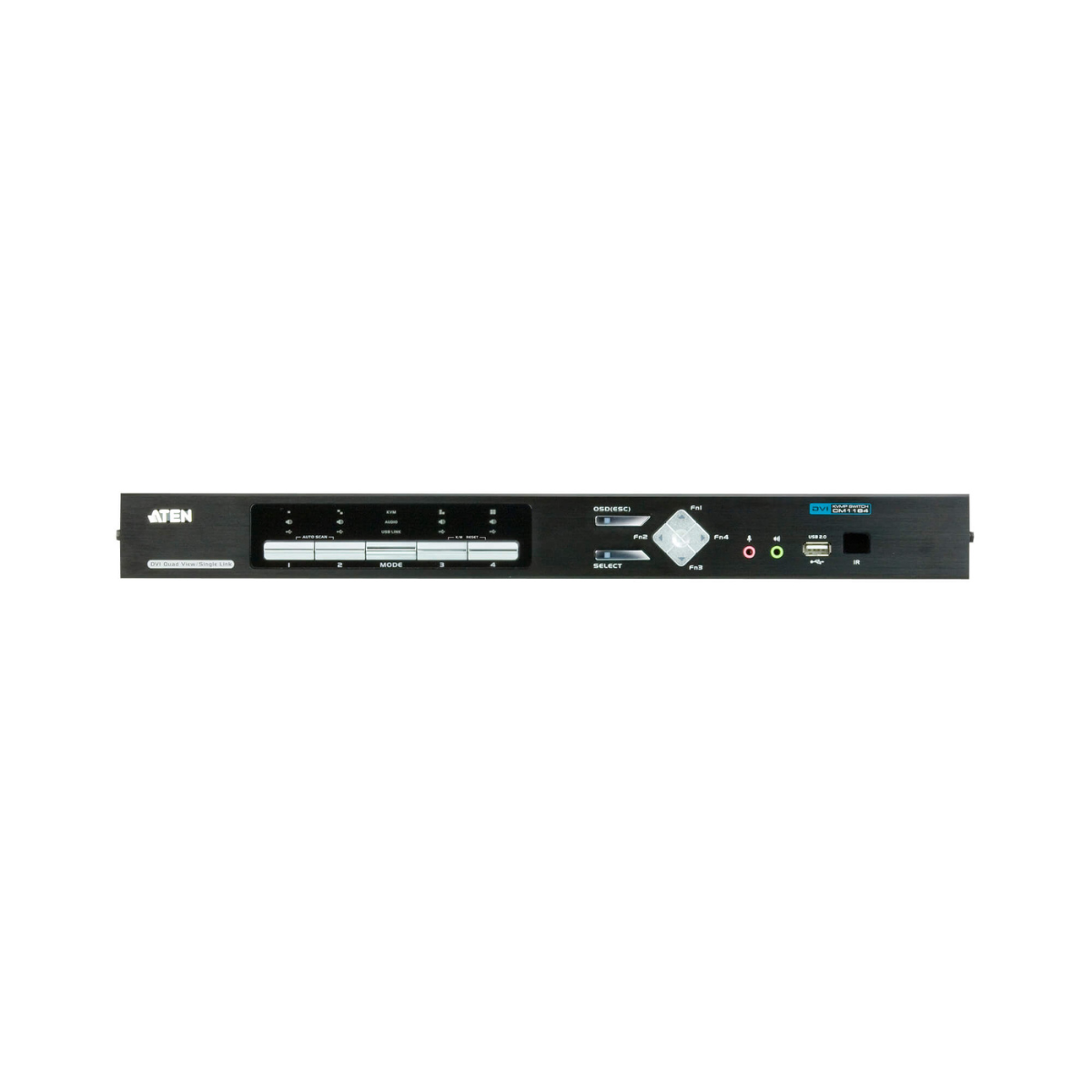
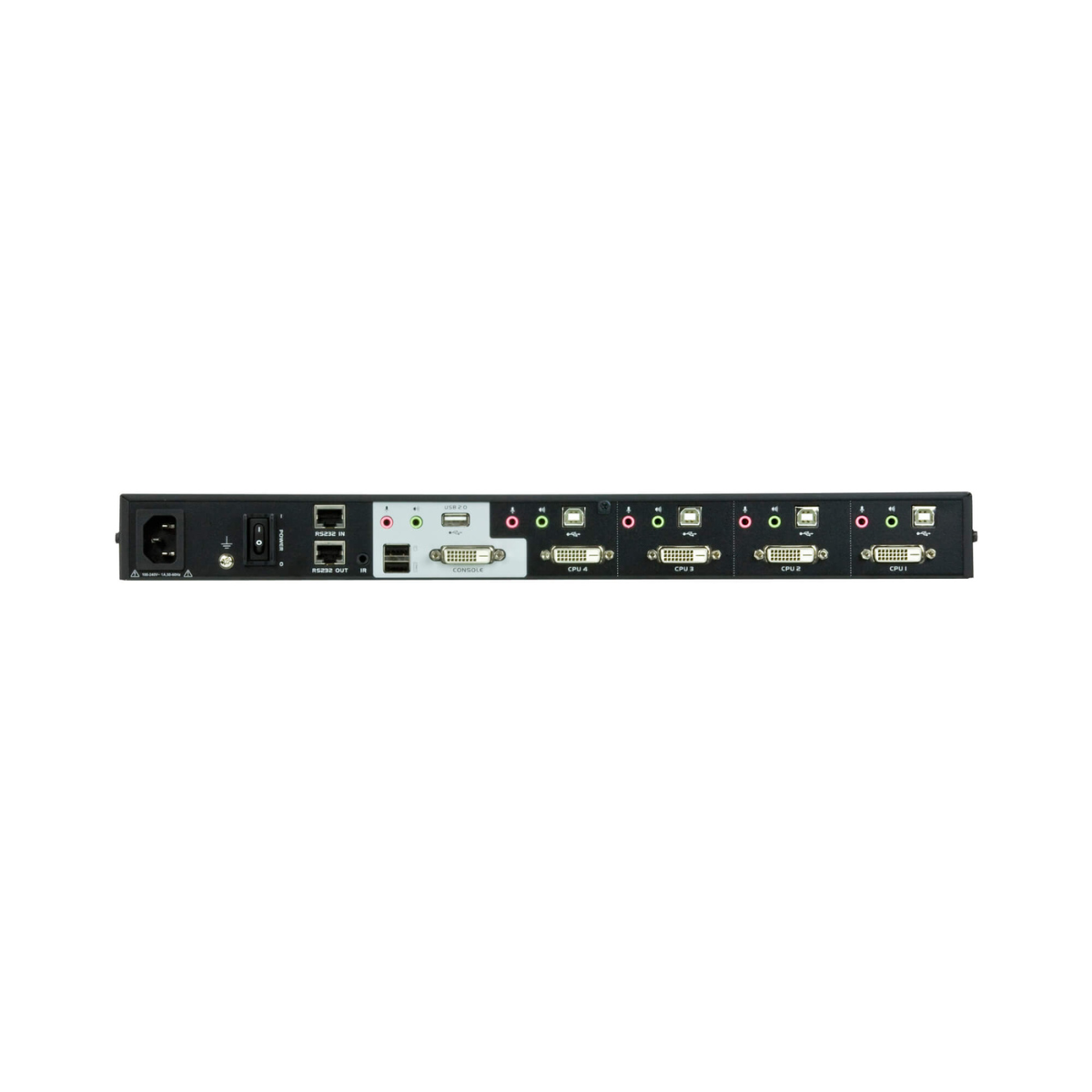
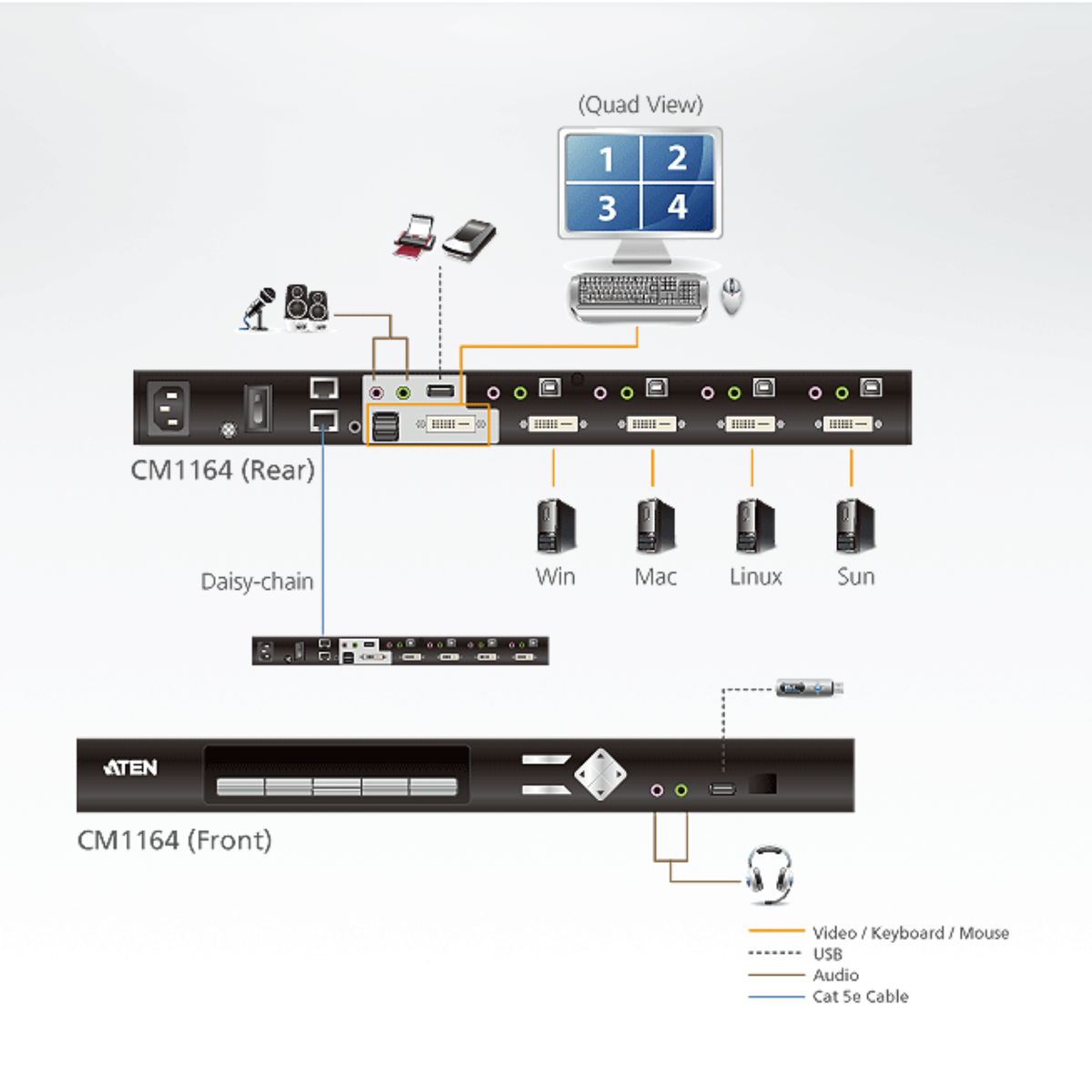
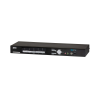
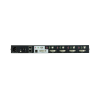
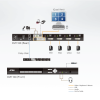
The ATEN DVI KVMP Switch CM1164 is an advanced multi-view control center designed for environments that require continuous monitoring and management of multiple computer systems. Combining a 4-port DVI-D KVMP switch with a 2-port USB hub, the CM1164 enables operators to monitor, control, and switch between multiple computers from a single console while maintaining maximum operational efficiency.
Engineered for mission-critical applications, the ATEN DVI KVMP Switch CM1164 offers multiple viewing modes, including Quad View, Picture-in-Picture (PiP), and Full Screen display. These flexible display options allow users to view up to four connected DVI video sources simultaneously on a single screen, helping operators respond faster and make informed decisions in real time.
The Quad View Mode displays four computers on one monitor at the same time, making it ideal for monitoring-intensive environments. For greater flexibility, the Picture-in-Picture Mode supports dual, triple, or quad layouts, allowing users to customize screen arrangements according to operational requirements.
The ATEN DVI KVMP Switch CM1164 also features Daisy Chain Control (DCC) technology, enabling up to four CM1164 units to be connected and managed from a single console. This allows administrators to control and monitor up to 16 computers while using only one keyboard and mouse, making the solution highly scalable for growing infrastructures.
In addition, integrated USB peripheral sharing and audio support help streamline workstation management while reducing hardware requirements and workspace clutter.
Key Features
- Controls up to 4 computers from a single console
- Supports DVI-D video connectivity
- Integrated 2-port USB hub
- USB peripheral sharing between connected systems
- Quad View Mode for simultaneous monitoring of four video sources
- Picture-in-Picture (PiP) Mode with dual, triple, and quad layouts
- Full Screen Mode for focused monitoring
- Daisy Chain Control (DCC) technology
- Connect up to 4 CM1164 units
- Manage and monitor up to 16 computers
- Audio support for multimedia monitoring
- Designed for real-time monitoring and control applications


