
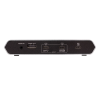
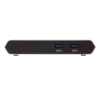
ATEN 2-Port 4K HDMI USB-C KVM Dock Switch with Power Pass-through

US3310

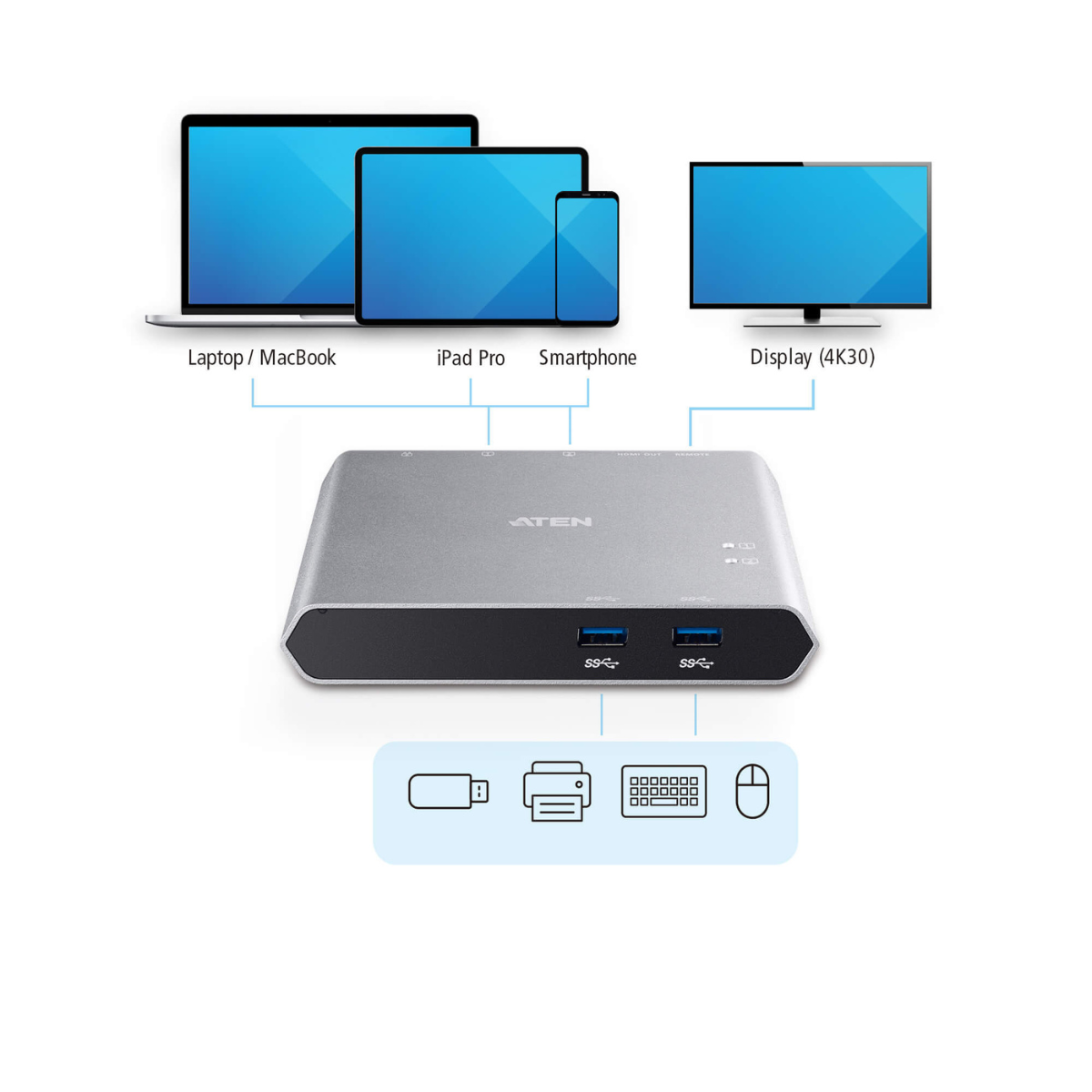
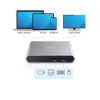
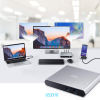
  • Allows a USB-C laptop and an Android Smartphone to share one HDMI monitor and all connected USB peripherals
  • Compatible with Apple M1 / M2 chip devices; provides USB Power Delivery 3.0 for laptop charging up to 85W (additional USB-C Power Adapter is needed)
  • Supports 4K resolutions – up to 3840 x 2160 @ 30Hz
  • Video DynaSync – allows EDID and HDCP monitors and computers to function flawlessly, and provides fast switching such as continuous real-time switching

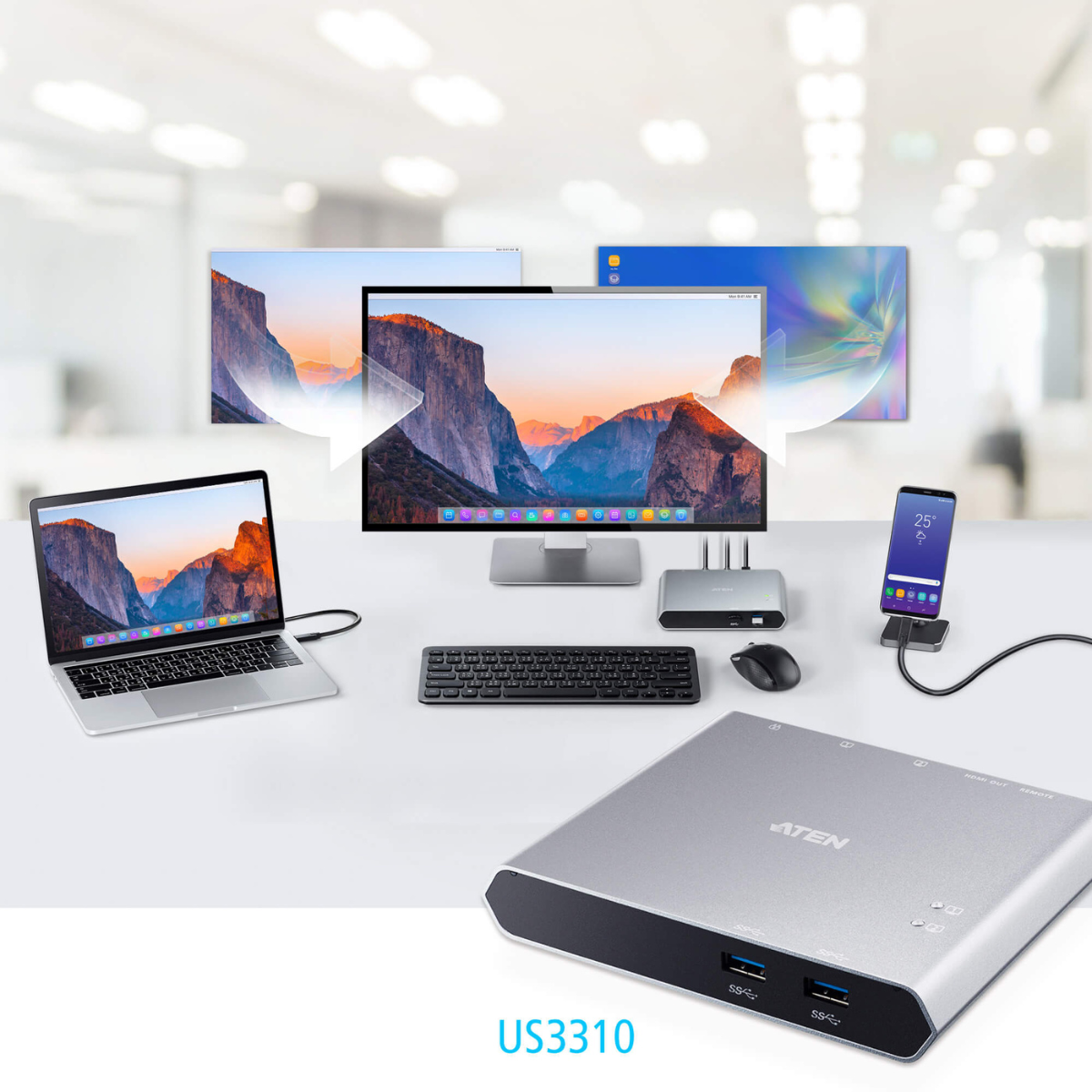
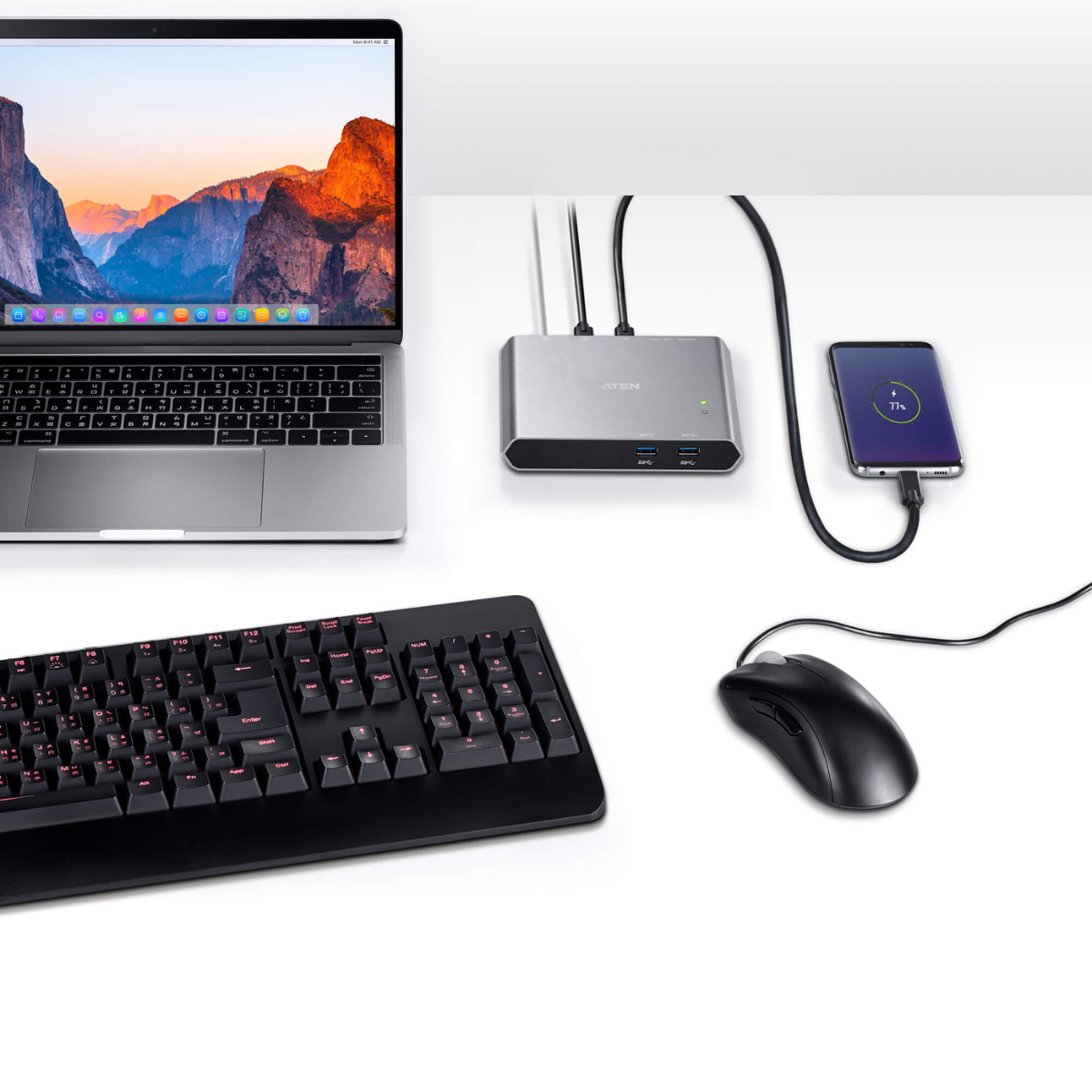
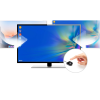
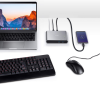
The ATEN USB-C KVM Dock US3310 is a versatile 2-Port 4K HDMI USB-C KVM Dock Switch with Power Pass-through that combines a USB-C docking station and KVM switch into one compact solution. It allows users to share a single HDMI display, USB keyboard, mouse, and USB peripherals between a USB-C laptop and an Android smartphone, creating a cleaner and more efficient workspace.

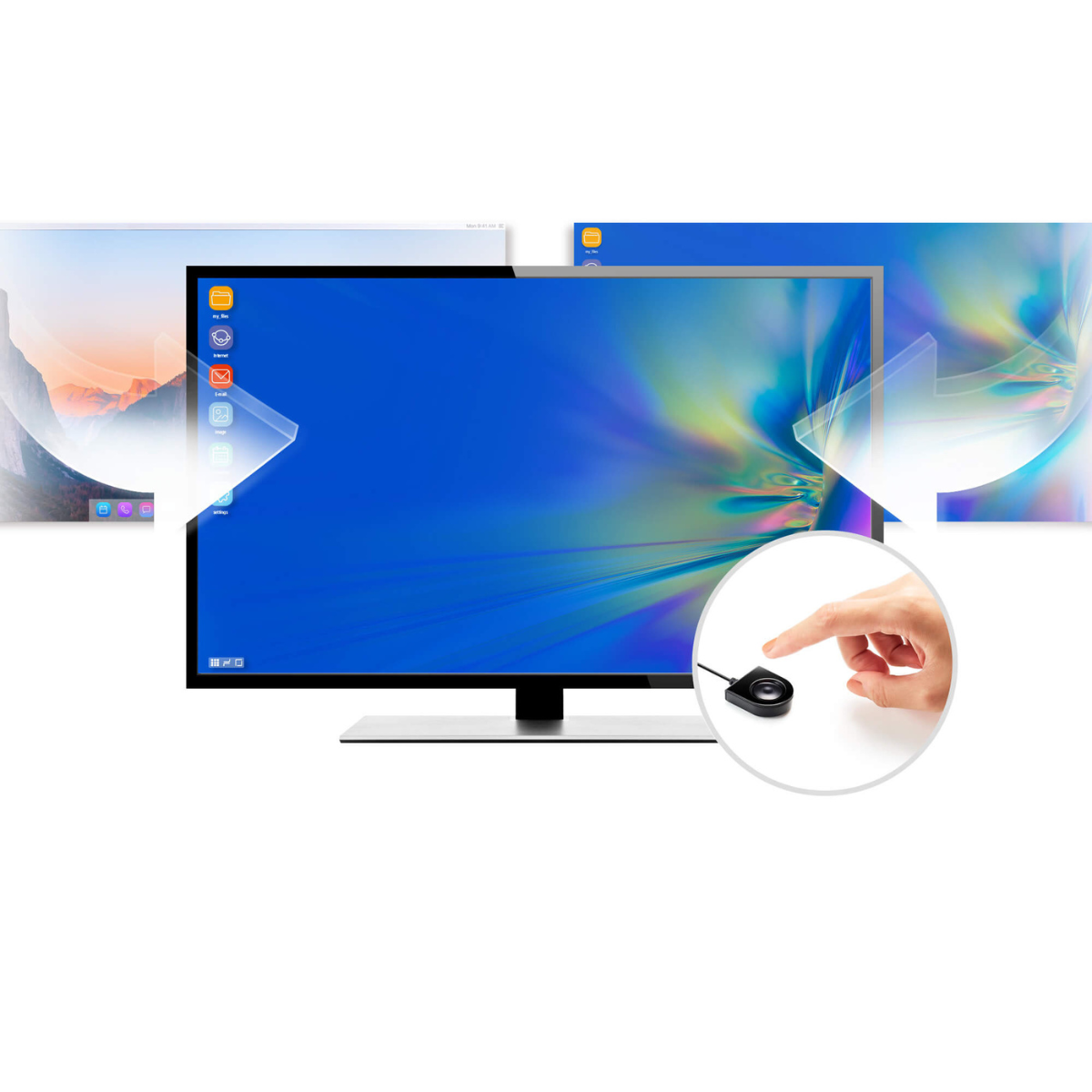
Designed for professionals, hybrid workers, and content creators, the ATEN USB-C KVM Dock US3310 supports seamless switching between connected devices using the included Remote Port Selector. Users can place the switch in a convenient location or hide it beneath the desk while changing devices with a single button press.

The dock supports stunning 4K UHD video resolution up to 3840 × 2160 at 30Hz through HDMI, delivering clear visuals with minimal switching latency. Thanks to Video DynaSync™ technology, monitor EDID and HDCP information are synchronized automatically, ensuring smooth display transitions without screen reconfiguration.

With USB 3.2 Gen 1 technology, the ATEN USB-C KVM Dock US3310 delivers data transfer speeds of up to 5Gbps, allowing fast access to shared storage devices, printers, and other USB peripherals.

The integrated USB Power Delivery 3.0 pass-through supports laptop and smartphone charging up to 85W when paired with a compatible USB-C PD power adapter. This provides sufficient power for connected accessories while keeping devices fully charged throughout the workday.

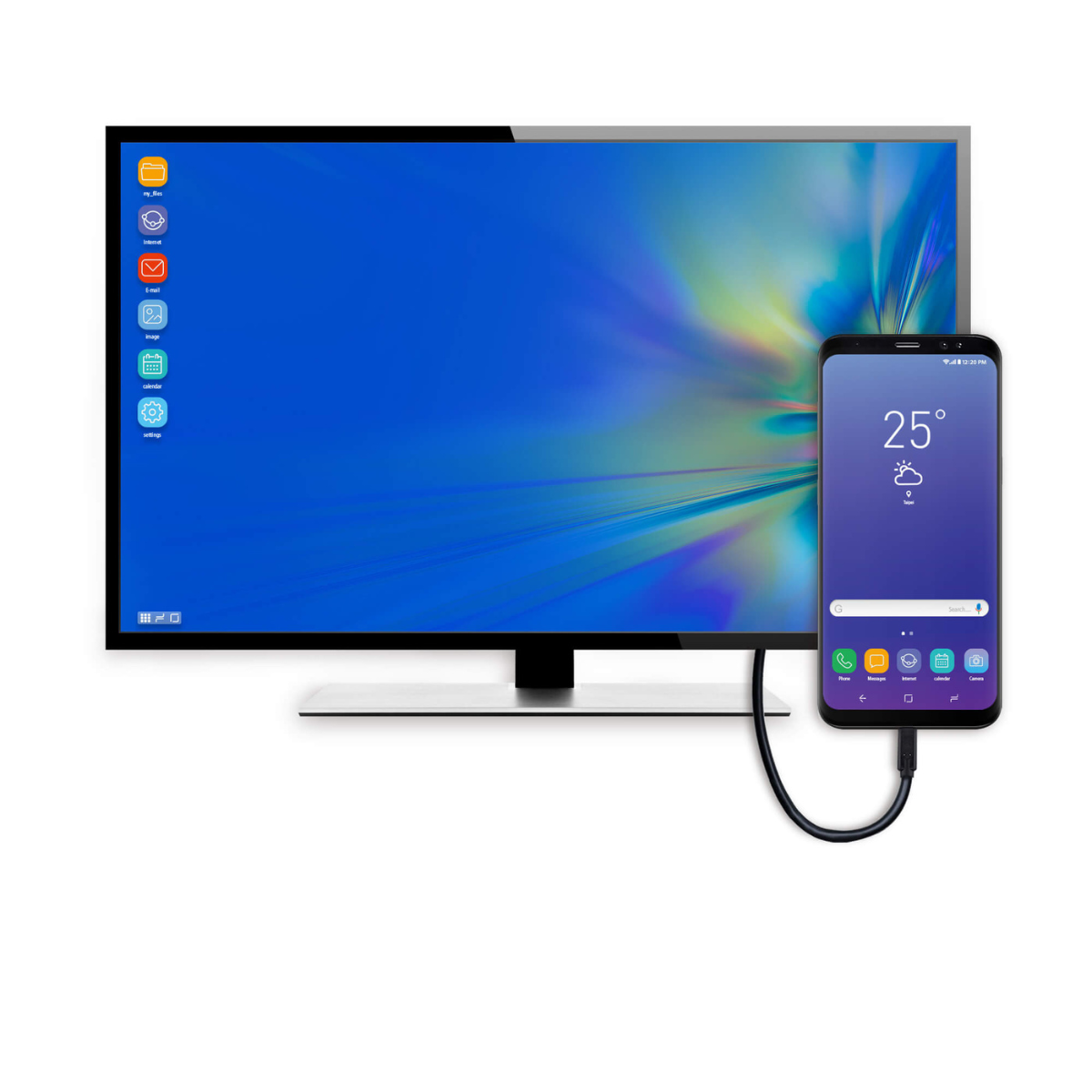
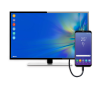
The ATEN USB-C KVM Dock US3310 also supports Samsung DeX and Huawei Desktop Mode, enabling compatible smartphones to function as desktop workstations. Users can quickly switch between mobile productivity and laptop computing without reconnecting peripherals.

Key Features

  • Share one HDMI monitor and USB peripherals between a USB-C laptop and an Android smartphone.
  • Supports HDMI resolutions up to 4K UHD (3840 × 2160 @ 30Hz).
  • USB 3.2 Gen 1 data transfer speeds up to 5Gbps.
  • USB Power Delivery 3.0 pass-through supports charging up to 85W.*
  • Compatible with Samsung DeX and Huawei Desktop Mode.
  • Video DynaSync™ ensures smooth display switching with automatic EDID and HDCP synchronization.
  • Easily switch devices using the included Remote Port Selector.
  • Plug-and-play installation with no driver required.
  • Compatible with Windows, macOS, Android, and iPadOS.
  • Supports Apple M1 and M2 chip devices.
  • Compact design helps reduce cable clutter and maximize workspace efficiency.
Computer Connections 2
Connectors
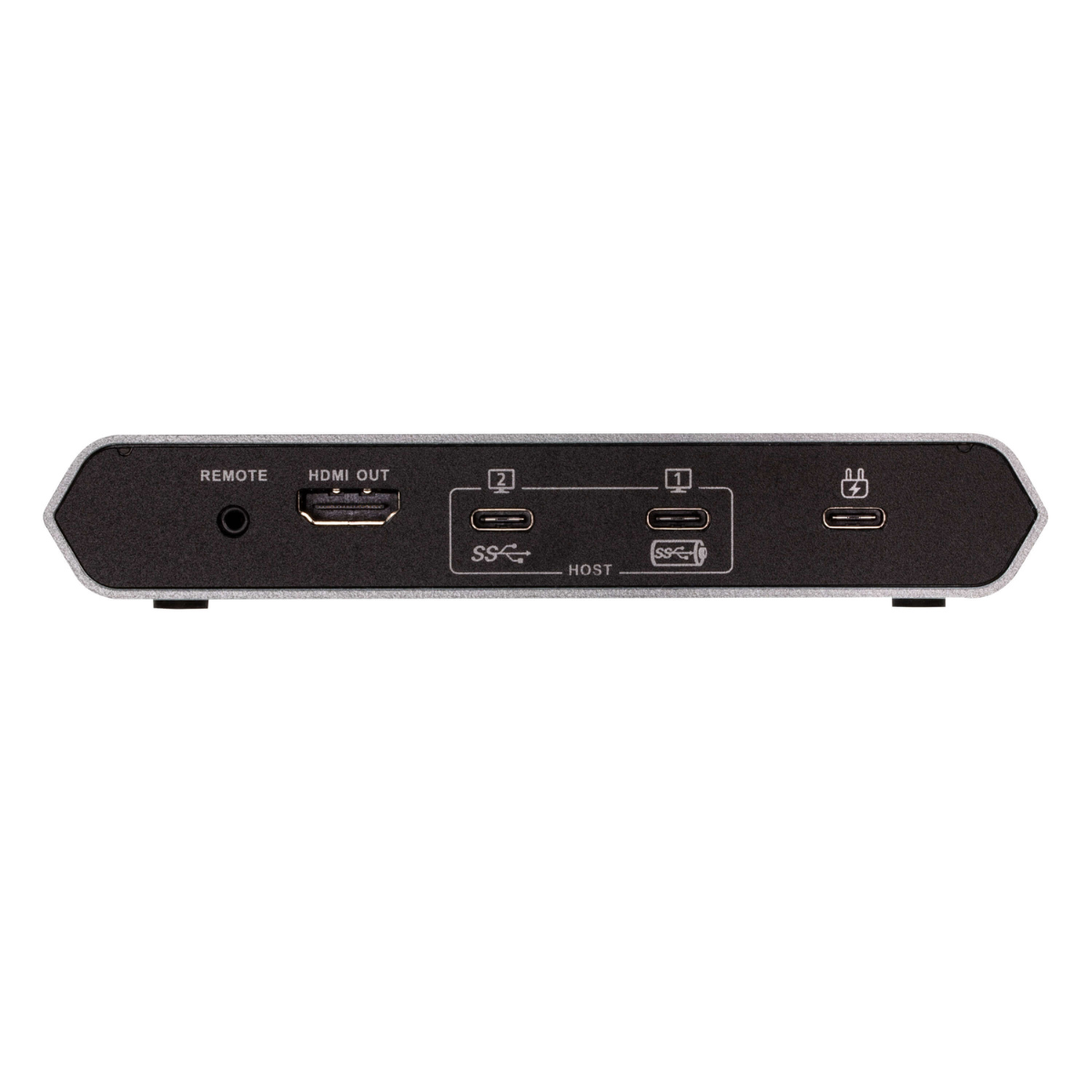
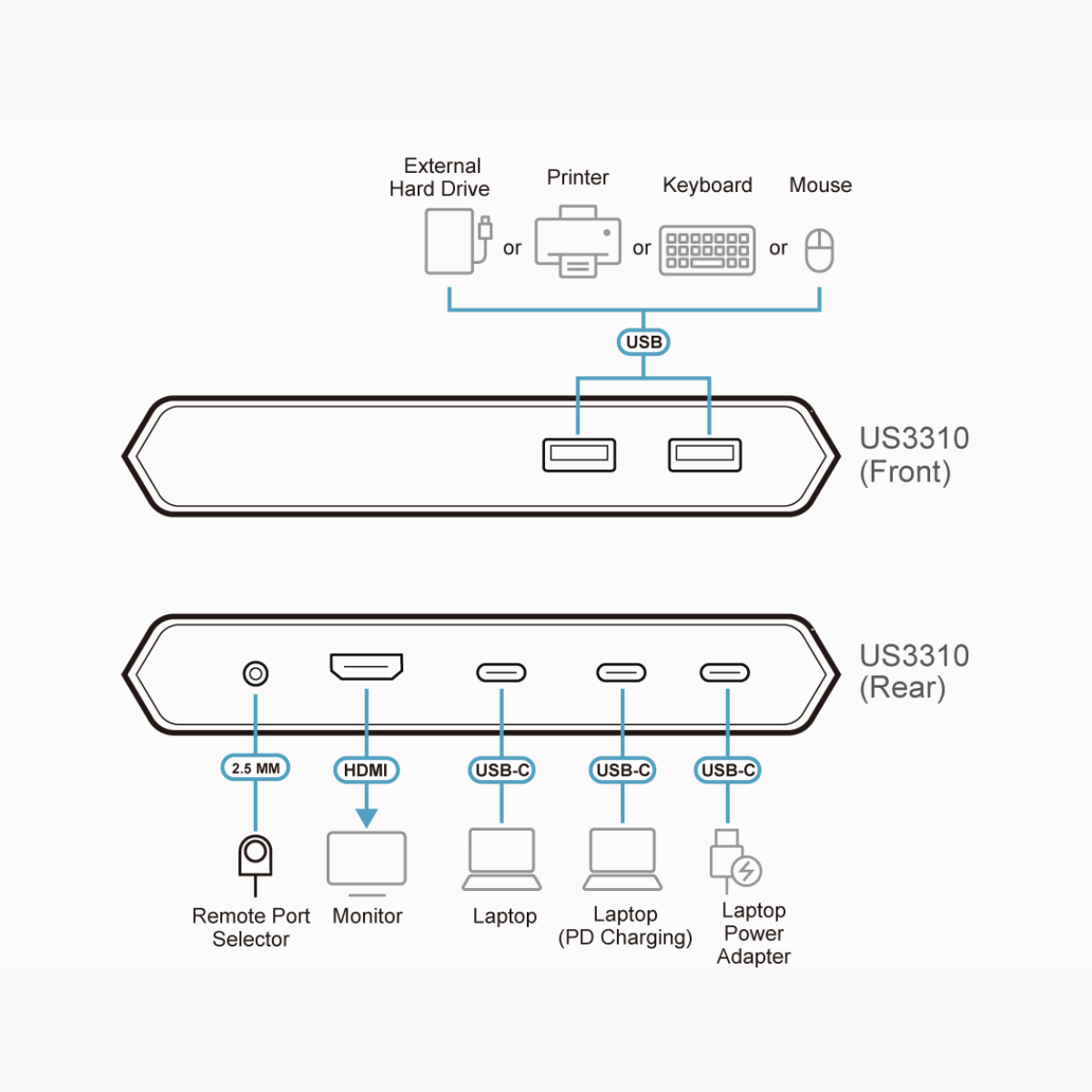
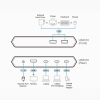
Computer USB 3.2 Gen 1 Type-C Port 1 (Laptop)
USB 3.2 Gen 1 Type-C Port 2 (Android : Samsung Dex or Huawei Desktop mode)
Device 2 x USB 3.2 Gen 1 Type-A Female
Video Output 1 x HDMI Female
Power 1 x USB-C DC-in Female*

Port 1 : Supports USB-C PD laptop charging at 5V, 9V, 15V, 20V output*
Port 2 : Supports max. 5V, 2A output

*Supports maximum 100W USB-C PD power adapter input.
*For device charging, a Limited Power Source (LPS) certified USB-C PD Power Adapter over 65 Watt is recommended. The minimum system power requirement for basic USB functions and video output should be at least 5V, 3A.
*The first 15W will supply the US3310, the next 10W will supply USB-C device connected to Port 2, and the balance power will supply USB-C device connected to Port 1.

Port Selection
Input Remote port selector
Video Resolution Up to 3840 x 2160@30hz
System Requirements Windows 10 and above, USB-C enabled computer with DP Alt Mode*
* With Intel 7th-Generation Core Processor (Kaby-Lake) and above. More info about CPU generation, please find: https://www.intel.com/content/www/us/en/processors/processor-numbers.html

Mac OS X 10.12 and above, USB-C enabled computer

Android 8.0 and later, USB-C enabled Smartphone with DP Alt Mode**
**Only Samsung and Huawei support PC-like operation, others only support mirror mode. For a list of supporting mobile device, refer to US3310’s user manual.

iOS 12.1 and above, iPad Pro 3rd generation (2018)***
*** For better HID experience, iPad OS 13 and above is recommended.

Power Consumption DC5V:1.24W:406BTU/h

Note:
● The measurement in Watts indicates the typical power consumption of the device with no external loading.
● The measurement in BTU/h indicates the power consumption of the device when it is fully loaded.

LEDs
Selected 2 (White)
Environmental
Operating Temperature 0–40°C
Storage Temperature -20–60°C
Humidity 0–80% RH, Non-condensing
Physical Properties
Housing Aluminum
Weight 0.33 kg ( 0.73 lb )
Dimensions (L x W x H) 14.30 x 11.90 x 2.38 cm
(5.63 x 4.69 x 0.94 in.)
Note For some of rack mount products, please note that the standard physical dimensions of WxDxH are expressed using a LxWxH format.

Datasheet : download

Scroll to Top