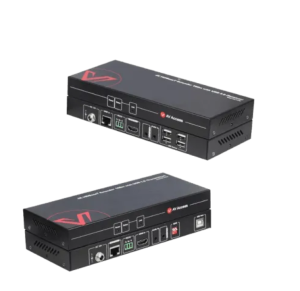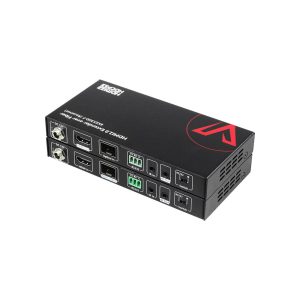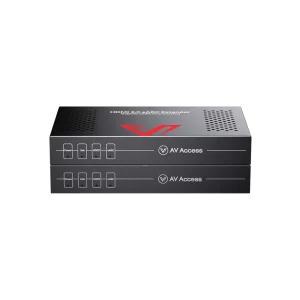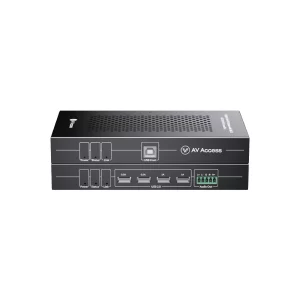
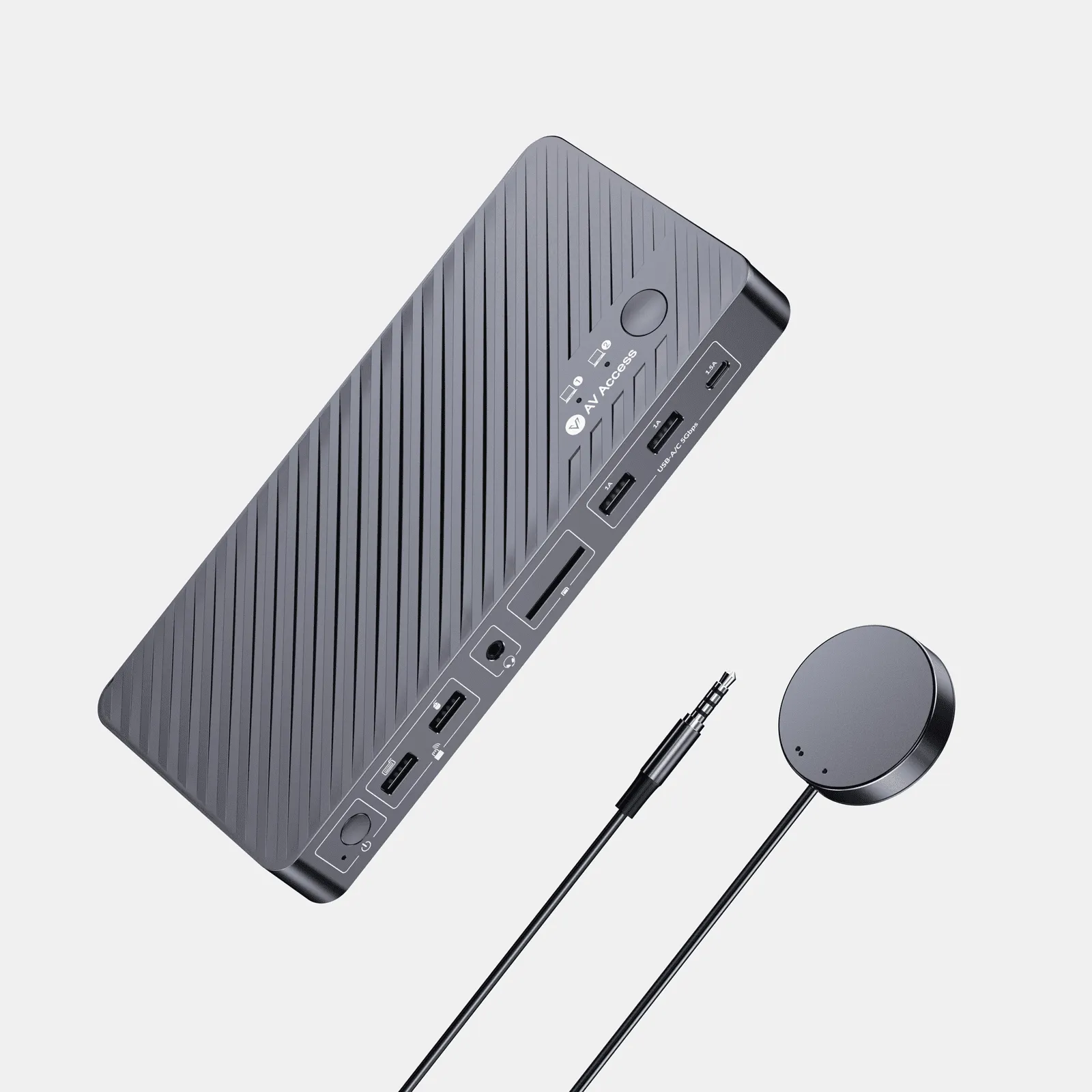
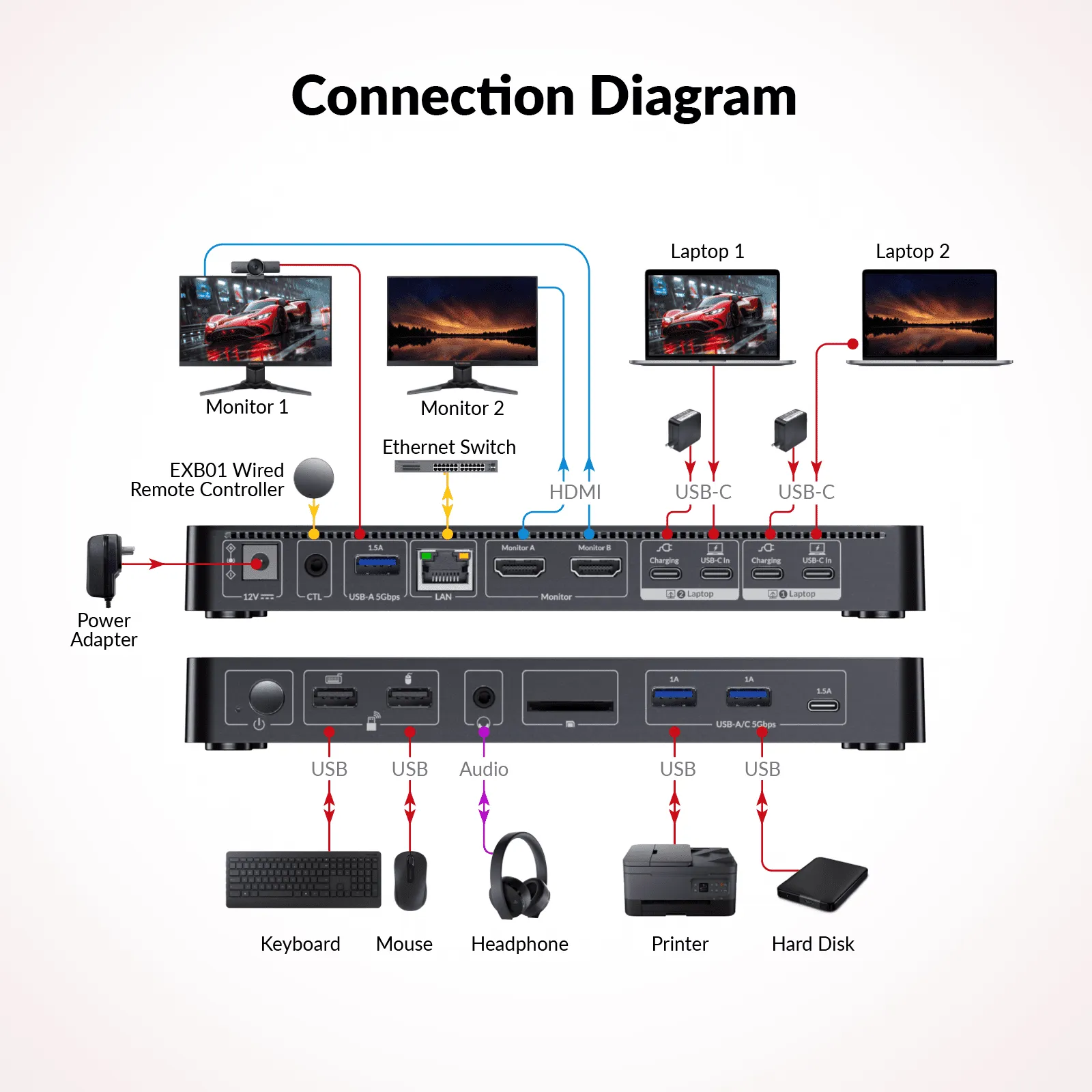
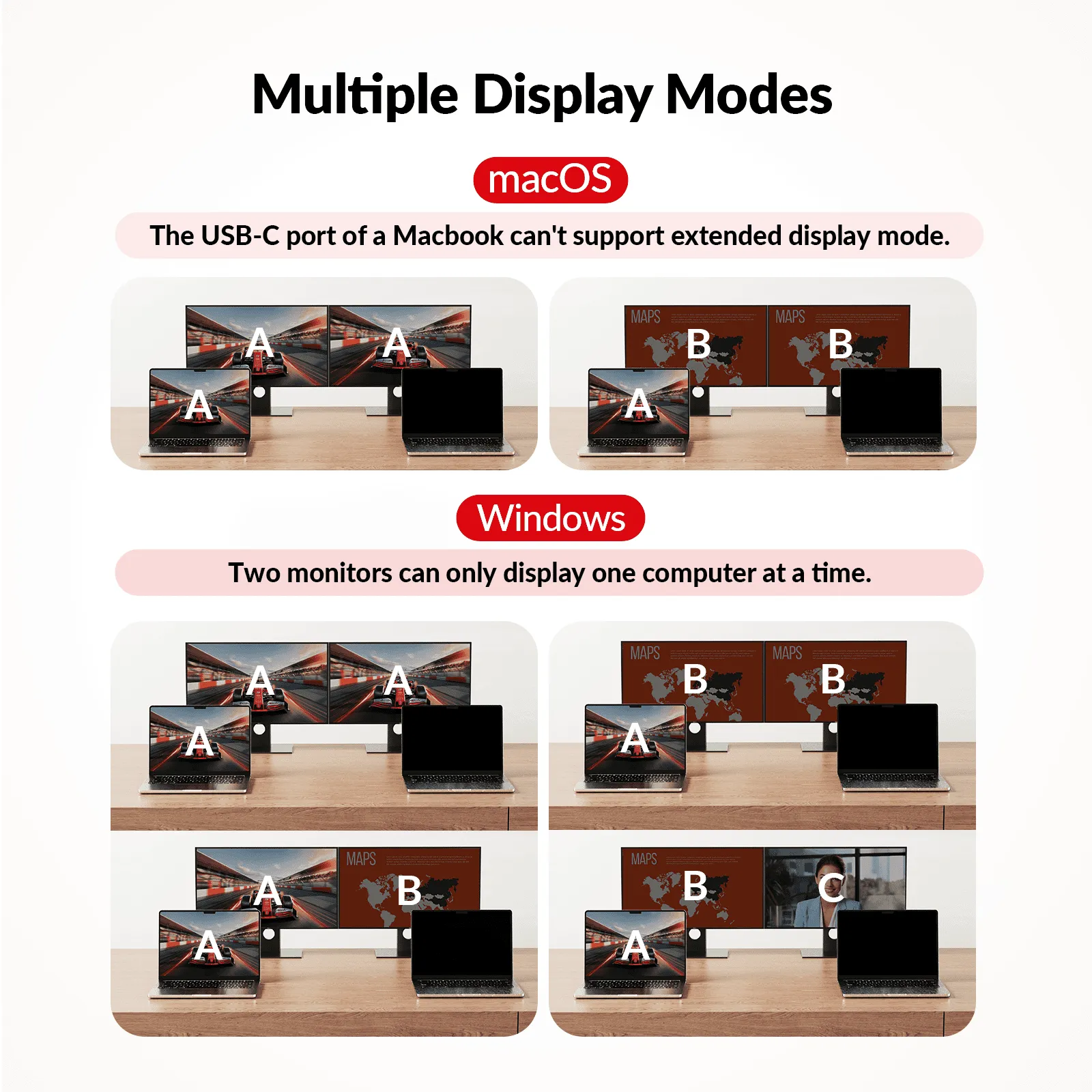
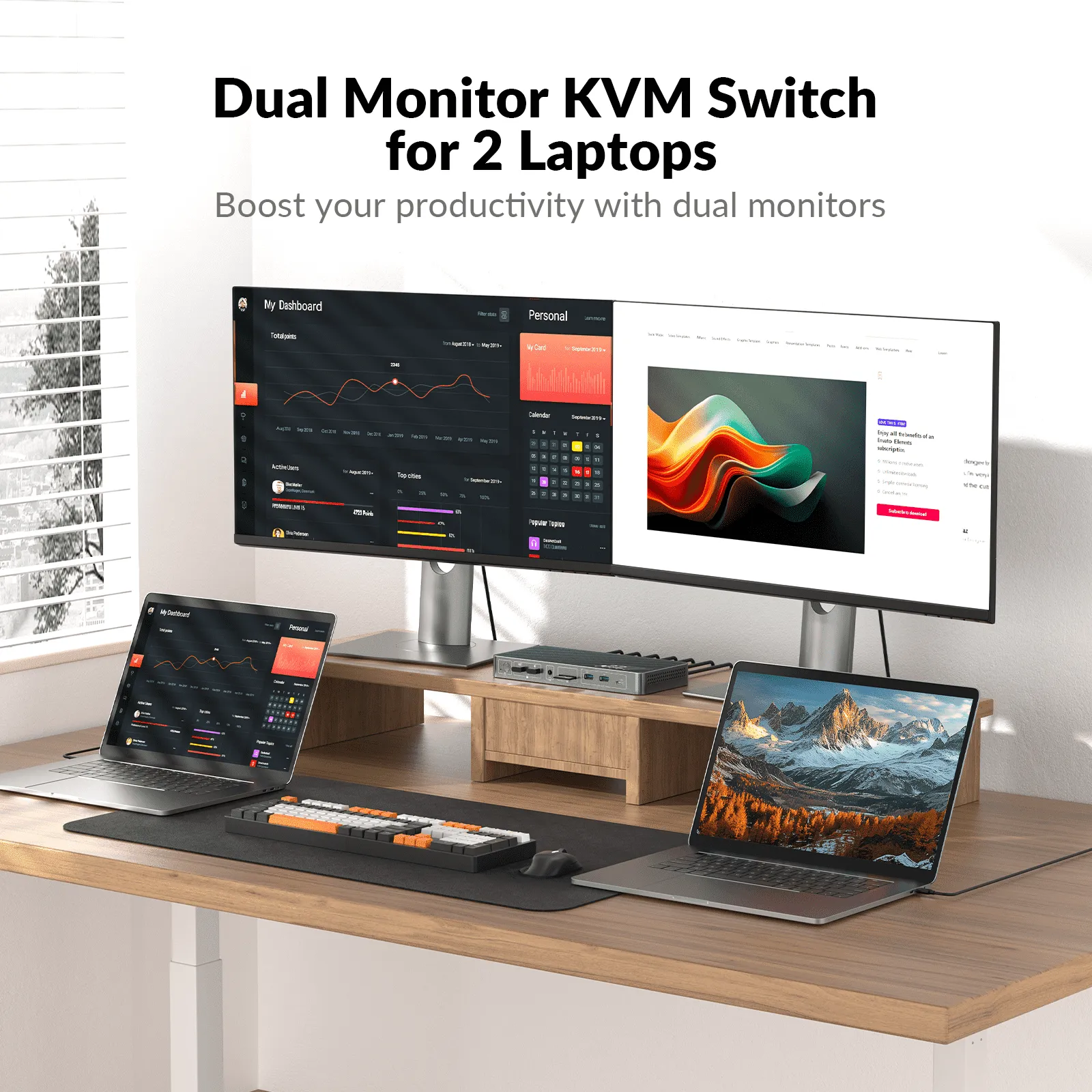
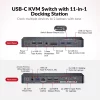
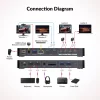
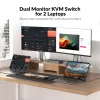
The AV Access USB-C KVM Dock KD-E20 is a cost-effective 11-in-1 USB-C KVM docking station designed for professionals who use two laptops in a single workspace. Easily switch between devices while sharing dual 4K monitors, USB peripherals, Ethernet, audio, and other accessories, helping you create a cleaner and more productive workstation.
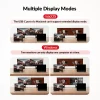
Supporting dual 4K@60Hz HDMI displays, the KD-E20 delivers crystal-clear visuals for multitasking, business applications, creative work, and remote collaboration. It also supports 2K@144Hz and 1080P@240Hz, making it an excellent choice for high-refresh-rate gaming and smooth visual performance.
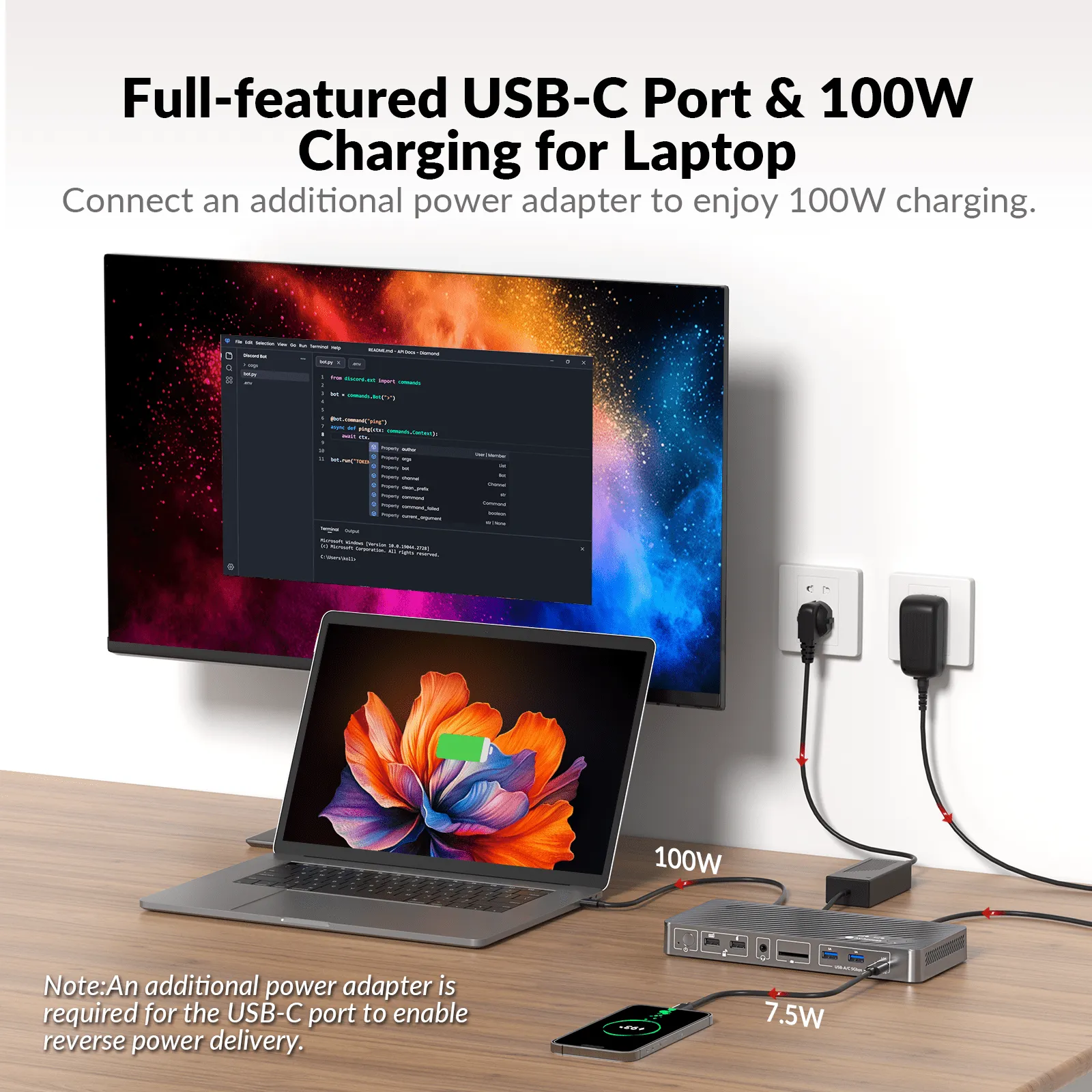
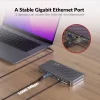
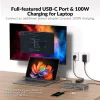
Each full-featured USB-C connection combines video, data, network, and power into a single cable. The docking station supports up to 100W USB-C Power Delivery (with an additional power adapter), 5Gbps data transfer, and Gigabit Ethernet for a streamlined desk setup with fewer cables.
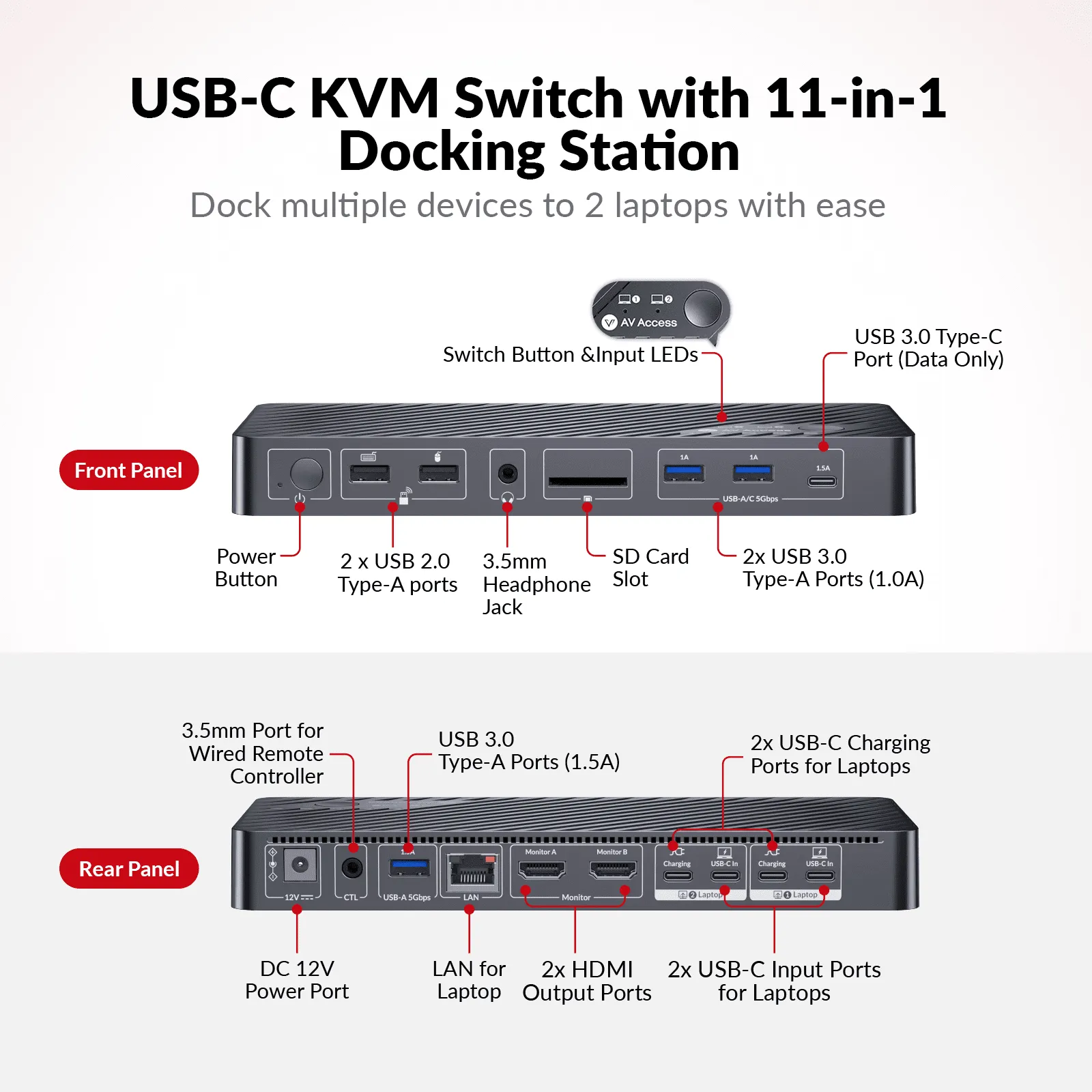
The integrated 11-in-1 docking station includes dual HDMI outputs, USB-C MST ports, USB ports, Gigabit Ethernet, audio connectivity, and additional expansion ports, providing everything needed for an efficient hybrid workspace.
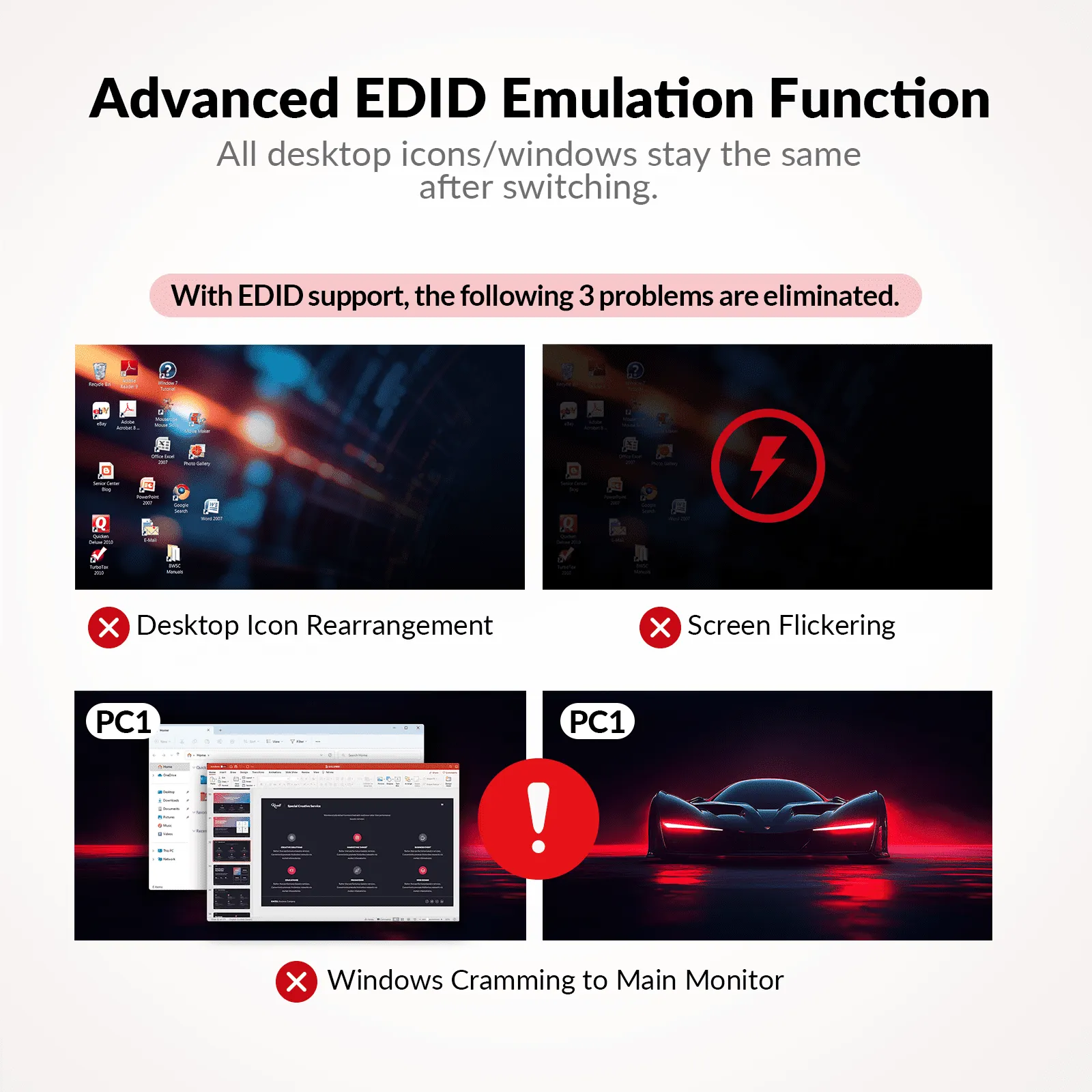
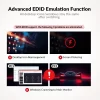
With EDID emulation, the AV Access USB-C KVM Dock KD-E20 maintains stable communication between your laptops and displays. This prevents screen flickering, resolution changes, and desktop icon rearrangement when switching devices. Fast switching in just 2–3 seconds ensures a smooth workflow with minimal interruption.
Whether you’re working from home, managing multiple business systems, or creating a shared workstation, the AV Access USB-C KVM Dock KD-E20 offers reliable connectivity, efficient device sharing, and professional-grade performance in one compact solution.
Key Features
- Supports two USB-C laptops
- Dual 4K@60Hz HDMI display output
- Supports 2K@144Hz and 1080P@240Hz
- 11-in-1 USB-C KVM docking station
- Dual USB-C MST ports
- Up to 100W USB-C Power Delivery
- 5Gbps USB data transfer
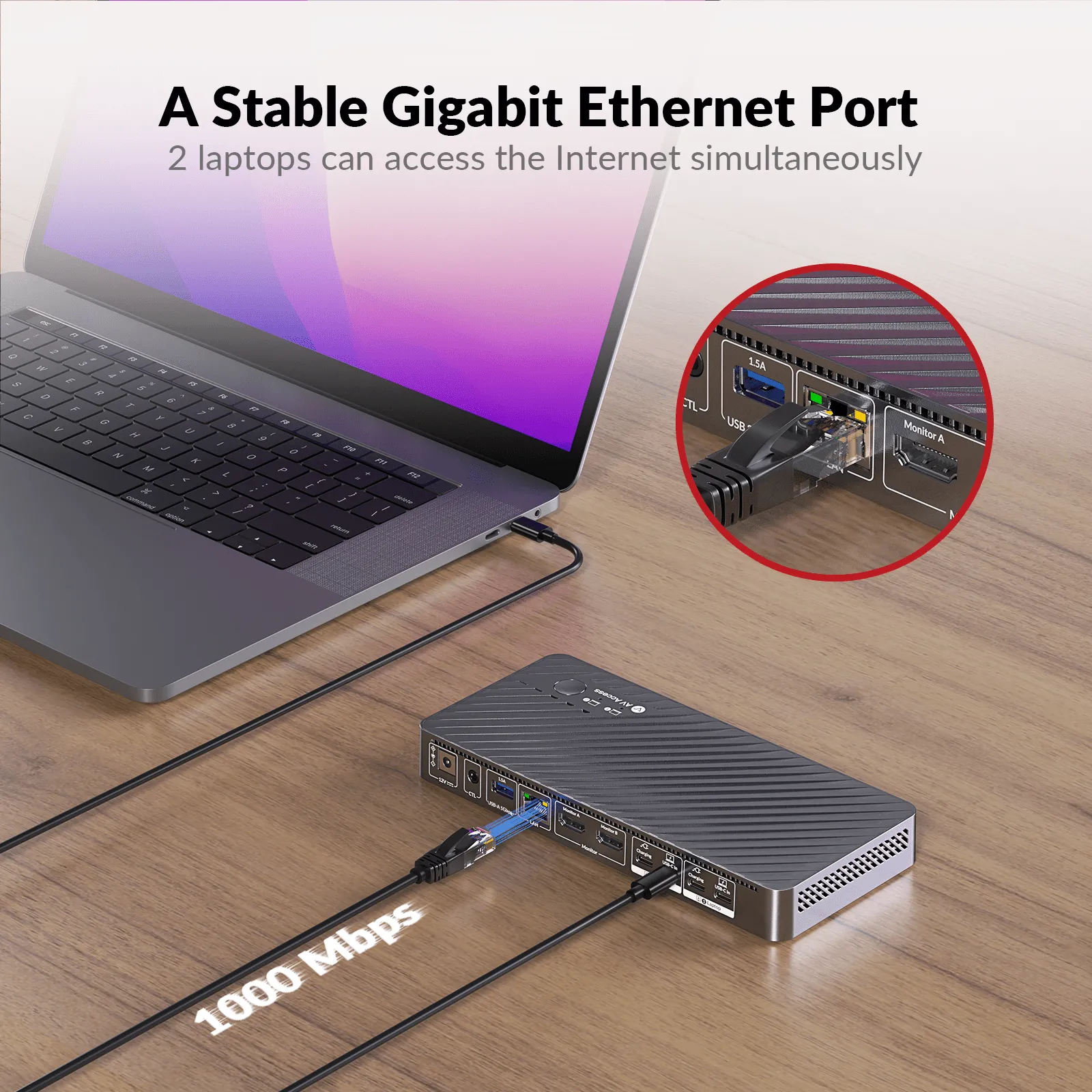
- Gigabit Ethernet for both laptops
- EDID emulation for stable displays
- Fast switching in just 2–3 seconds
- Ideal for hybrid work, office, and gaming setups